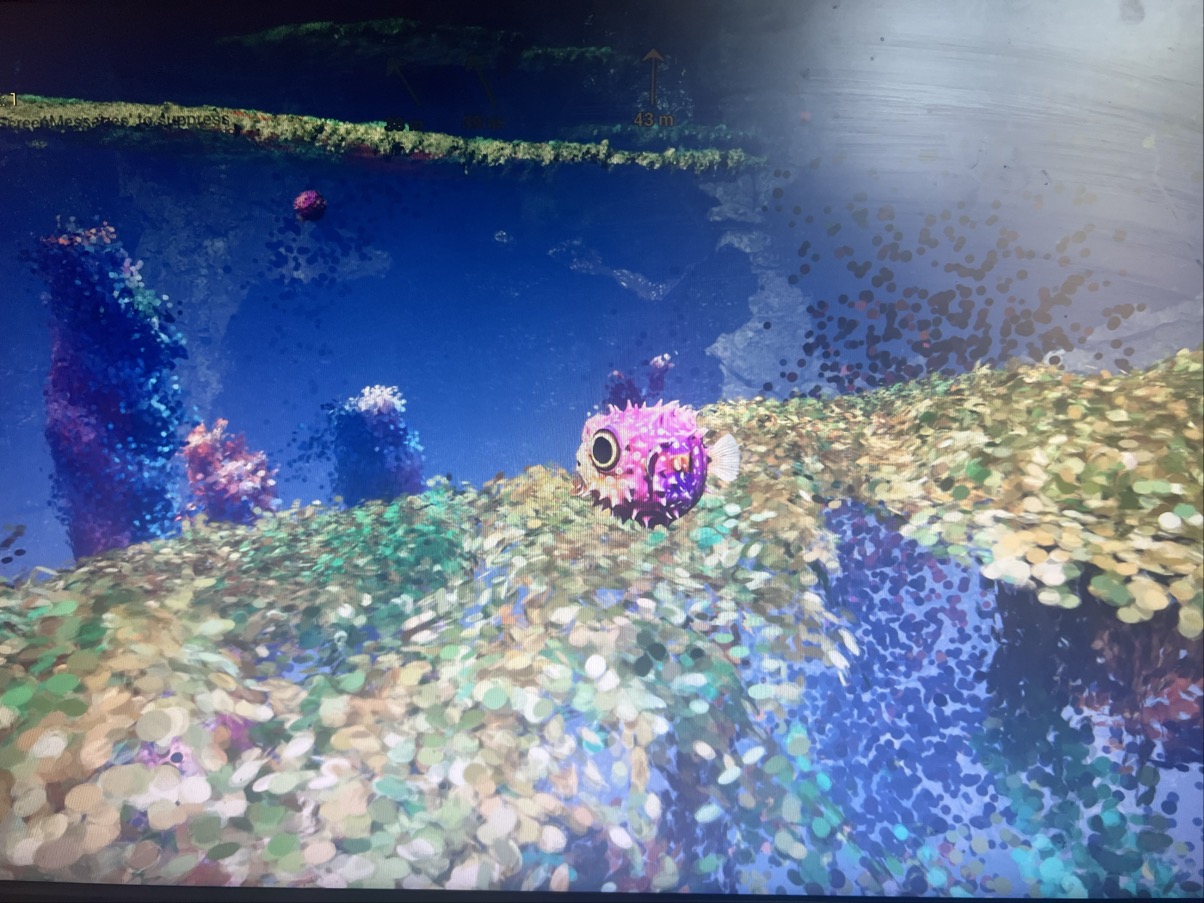
Underwater — Pre-Alpha Test Report
Group Test: 22 May 2026 • Unreal Engine 5.7 Development Build • Windows Client
| Tester | Machine | GPU | Performance Attended | Status |
|---|---|---|---|---|
| S.M. | AMD Ryzen 7 9700X / Win 11 | RTX 4060 (8 GB) | Friday 22nd | Joined |
| D.S. | Intel i9-11900H / Win 11 | RTX 3080 (10 GB) | Friday 22nd | Joined |
| R.M. | AMD Ryzen 7 7435HS / Win 11 | RTX 4050 Laptop (6 GB) | Both (22nd + earlier) | Joined + GPU crash in 2nd session |
| M.S. | — | — | Both | Joined (in person with another tester) |
| R. | Core Ultra 9 275HX → i5-13420H / Win 11 | RTX 4050 Laptop (6 GB) | — | Blocked (EOS login) |
Survey responses collected via Google Form after the playtest. Four testers submitted feedback.
| Question | S.M. | D.S. | R.M. | M.S. |
|---|---|---|---|---|
| Discord effectiveness | Very Good | Very Good | Good * | Good |
| Avatar (fish) control | Difficult | Neither | Neither ** | Difficult |
| Navigation | Neither | Neither | Easy | Neither *** |
| Could hear music | Yes | Yes | Yes | Yes |
| Audio levels | Just right | Too low | Too low | Too low / no volume control |
| Saw performer in submarine | Not sure | Not sure (saw hand wave) | Yes | No |
| 3D performer images stable | No | Couldn't see clearly | Stable, could be clearer | Not aware of them |
* R.M.: "Discord is great for this, though it works best with people who already use Discord."
** R.M. suggested a toggle for mouse up/down configuration.
*** M.S.: coral sections were easier to navigate; disorienting when losing sight of the performer.
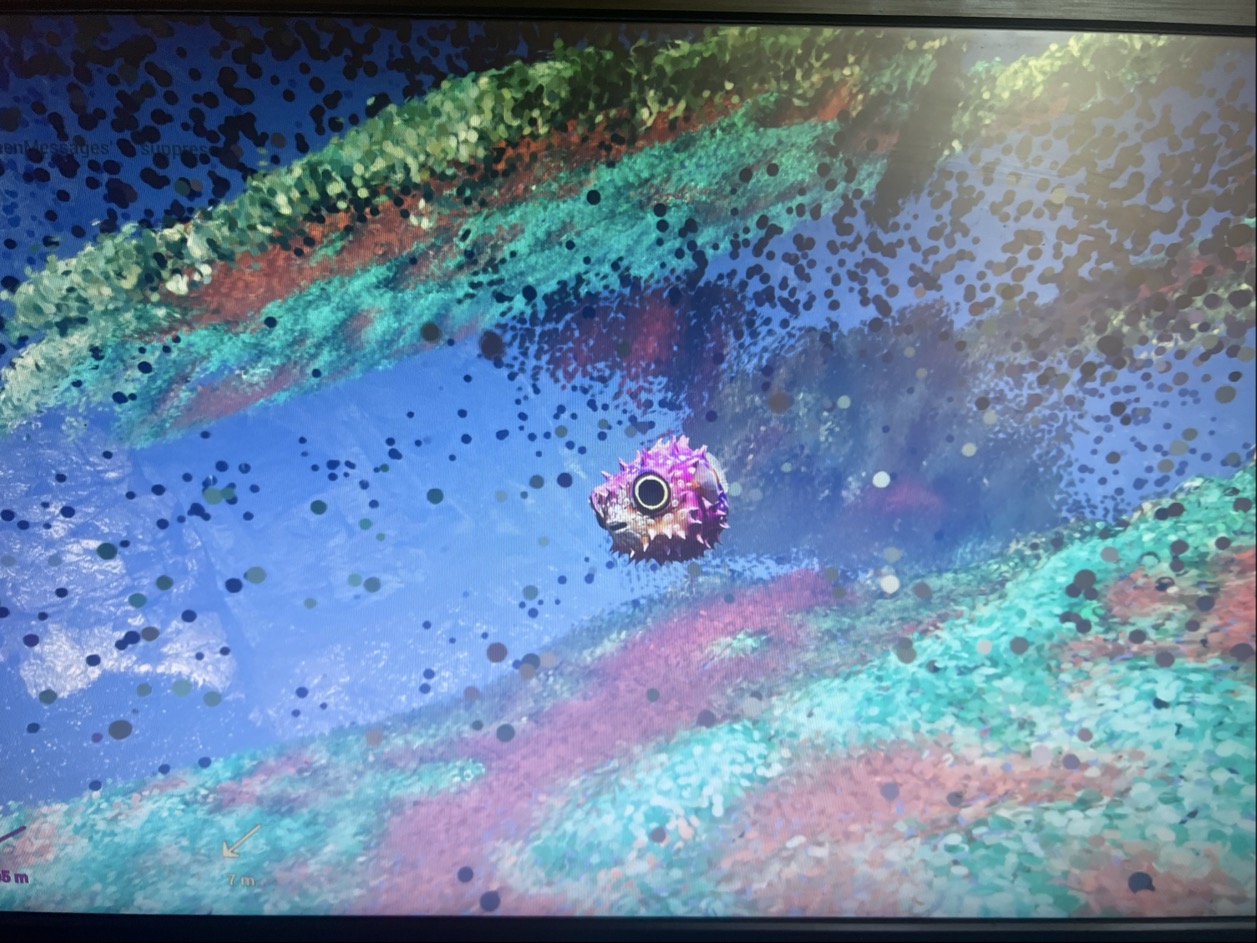
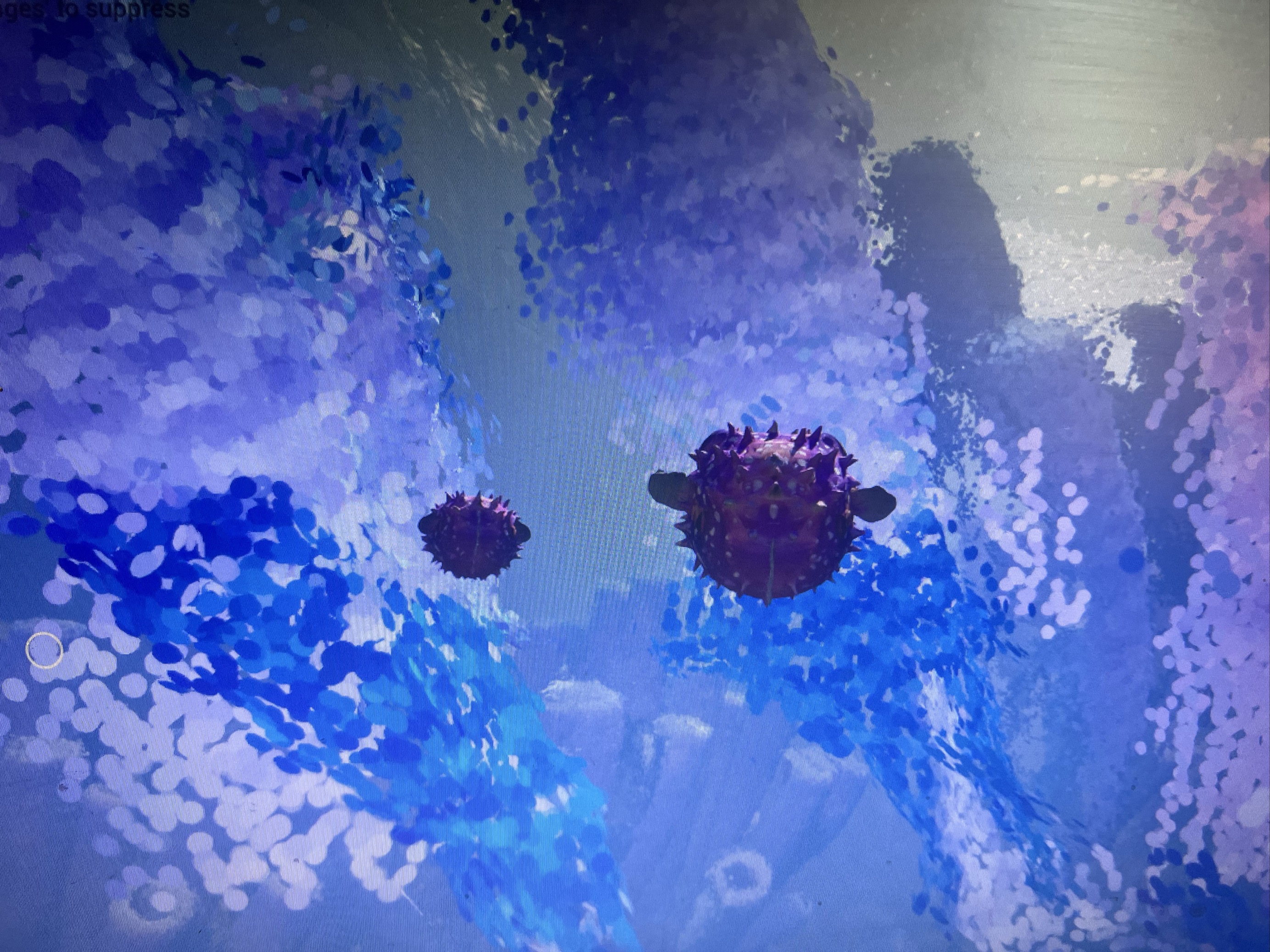
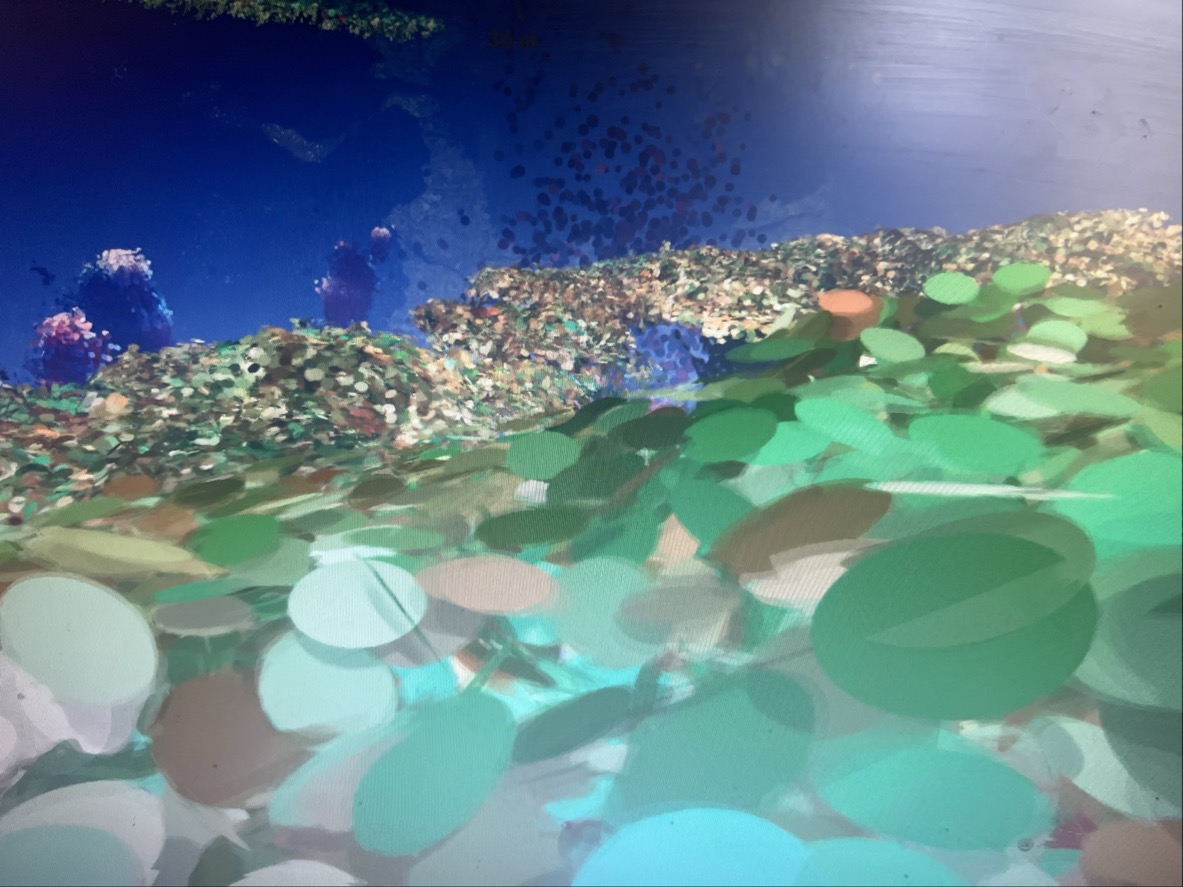
The browser-based OAuth flow blocked R. entirely. Implement a fallback login method (device-auth, exchange code) or add in-app account linking UI. Pre-authorise testers' Epic accounts in the EOS dev sandbox before future test sessions.
3 of 4 testers found controls difficult or unintuitive. Add a mouse Y-axis inversion toggle, clearer on-screen key prompts, and better feedback when using the speed boost. Consider a brief tutorial or control-calibration segment at the start.
3 of 4 testers reported audio levels too low. There is no in-app volume adjustment. Add a settings menu with master volume, or at minimum expose the system mixer.
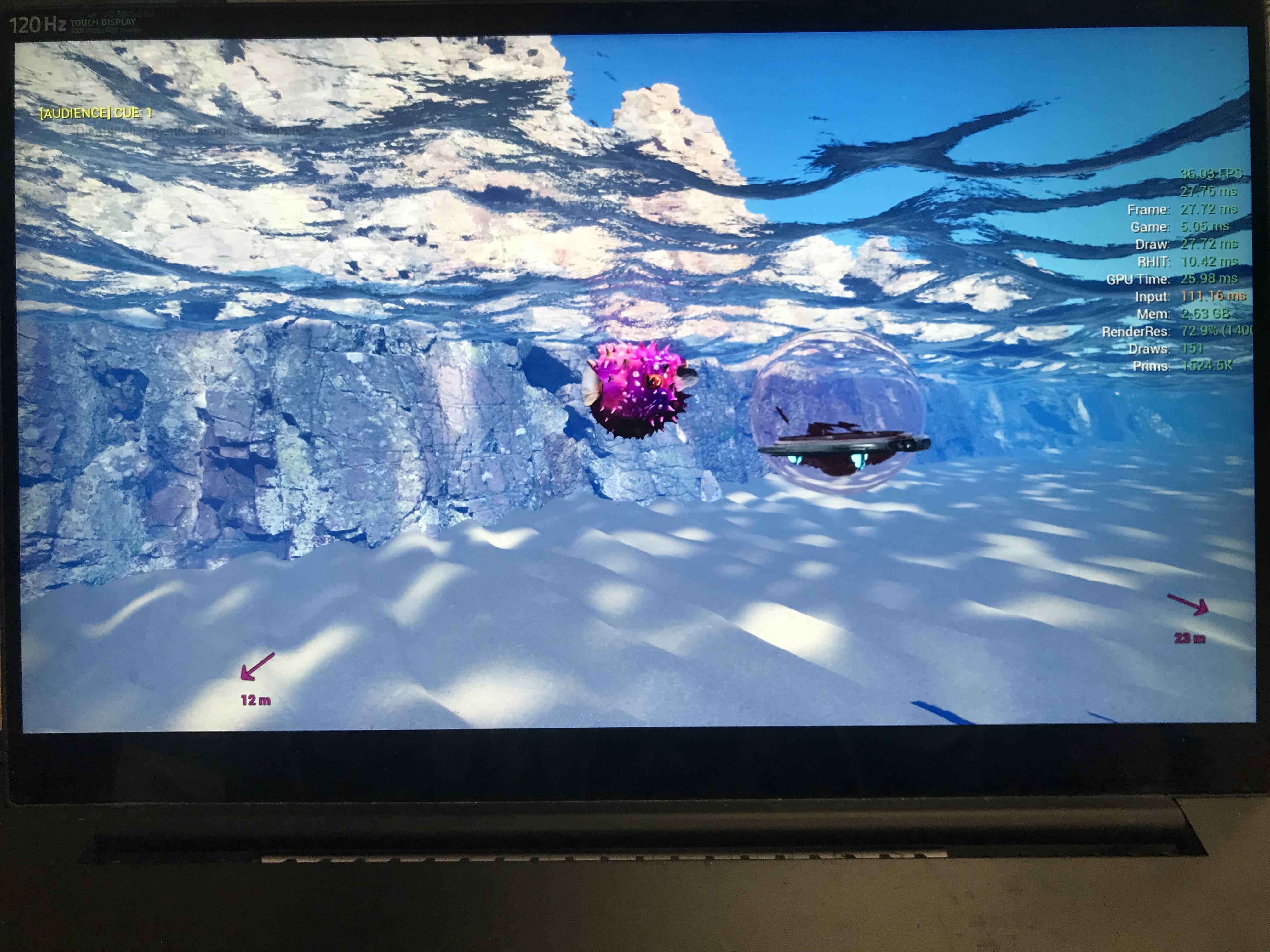
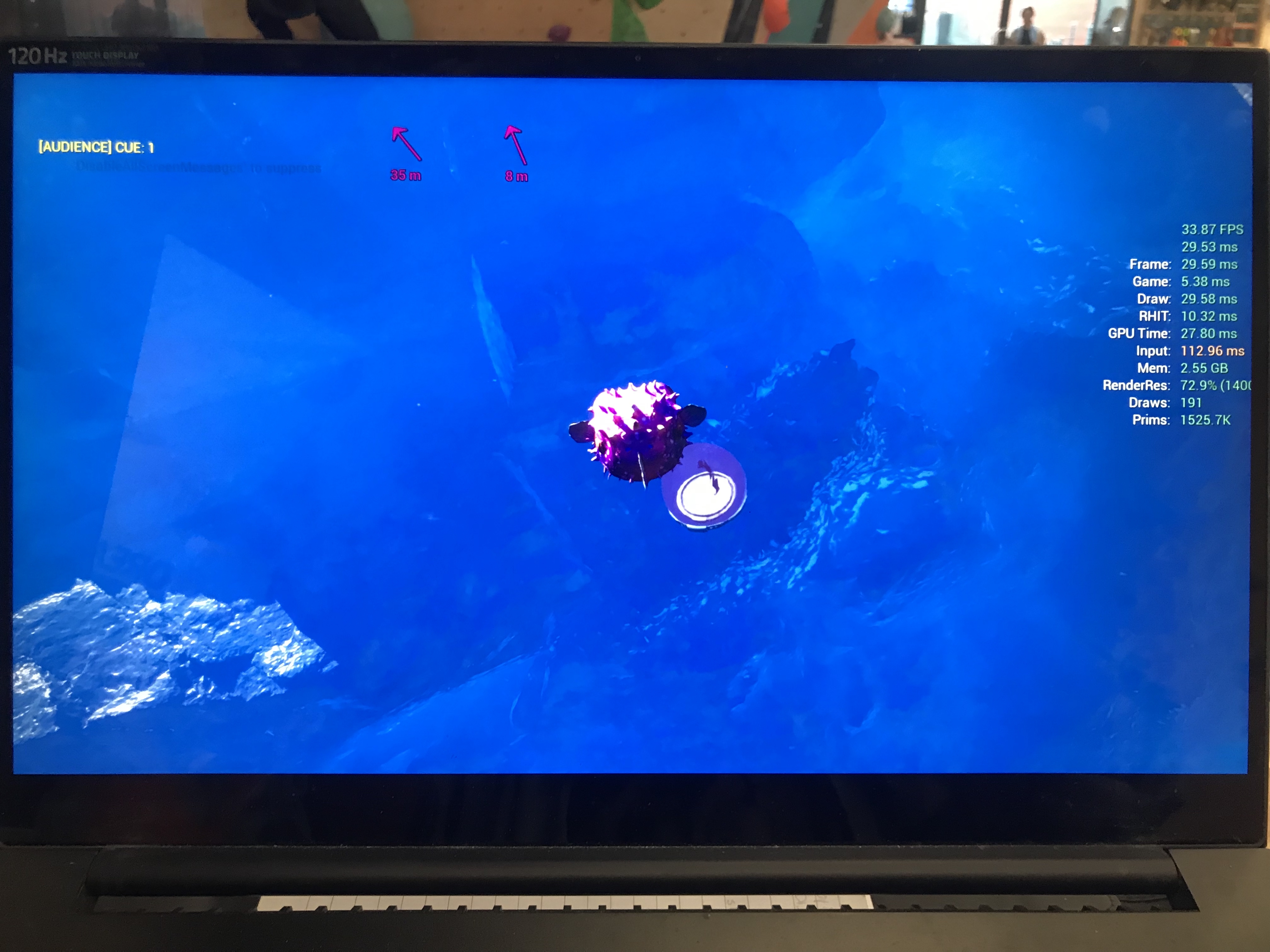
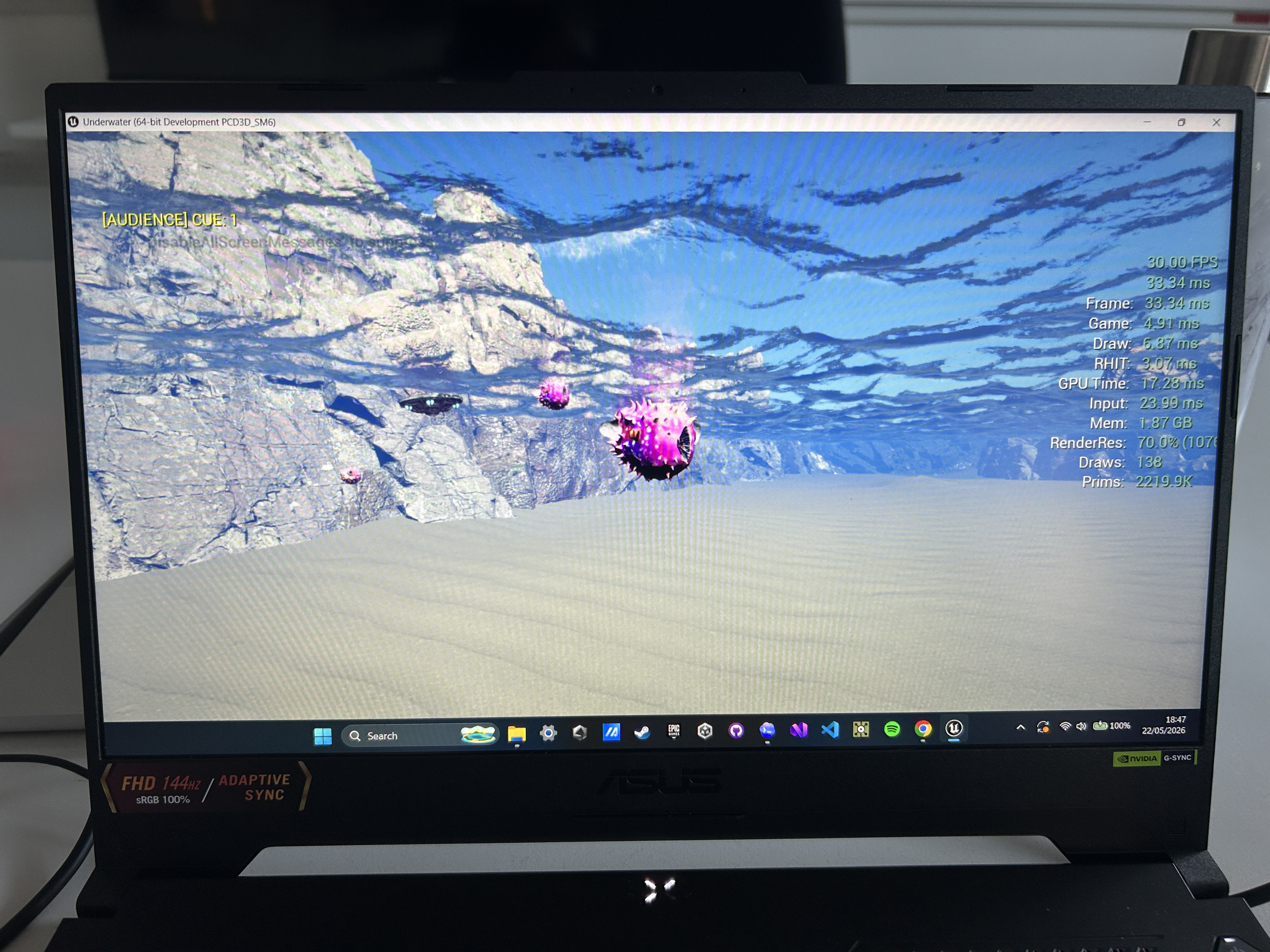
Only 1 tester clearly saw the performer; others were unsure or couldn't see them. 3D images were reported as unstable or invisible. Investigate the volumetric capture rendering and its visibility across different view distances and angles.
Testers lost sight of both the performer and other fish. Add subtle UI indicators (e.g. a glow, particle trail, or compass marker) to help players locate each other and the submarine.
Testers wanted more narrative context and more interaction between fish and with the performer. M.S. noted the experience felt disconnected when alone. Consider adding emotes, sonar pings, or shared interactions between fish.
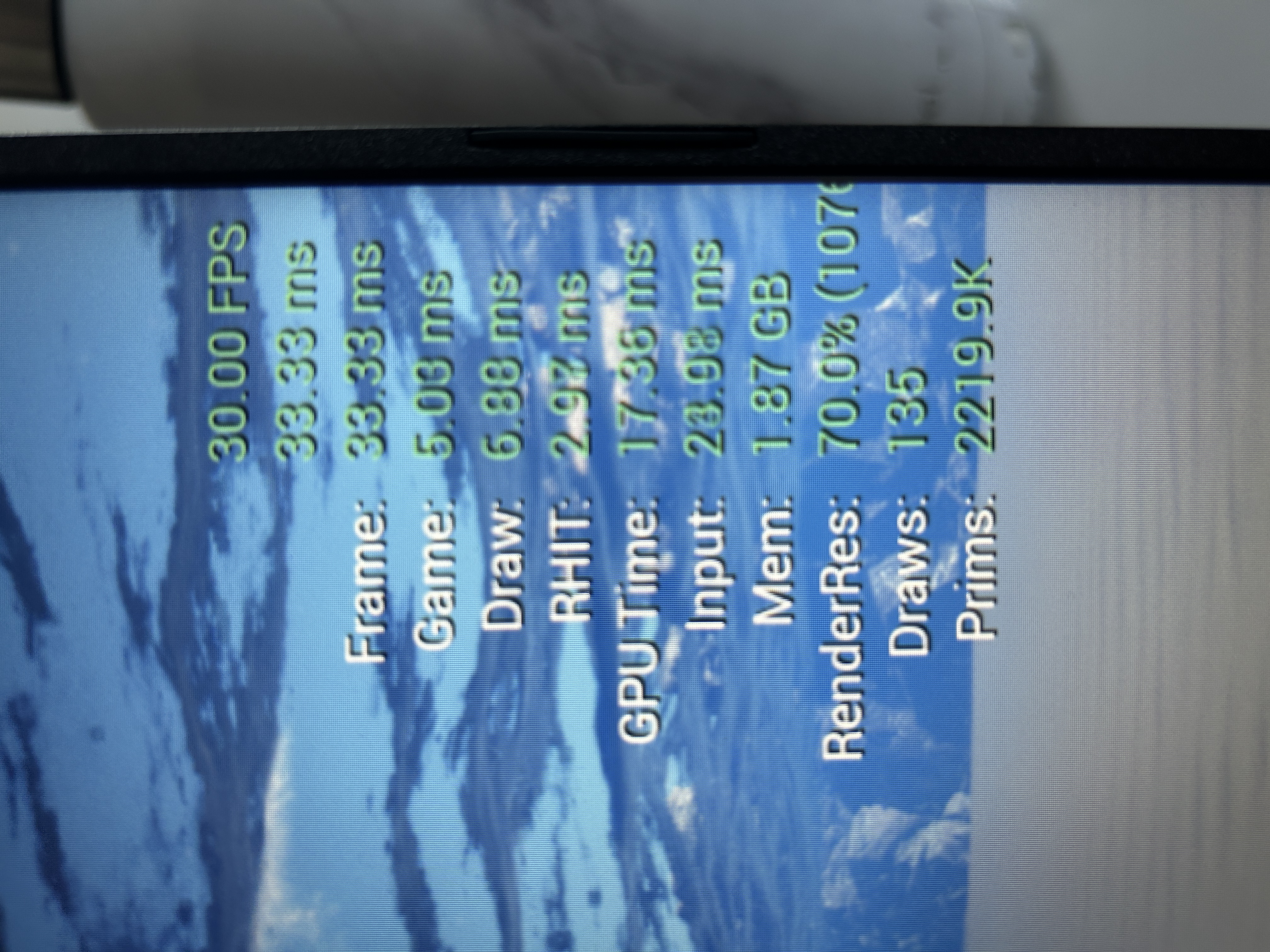
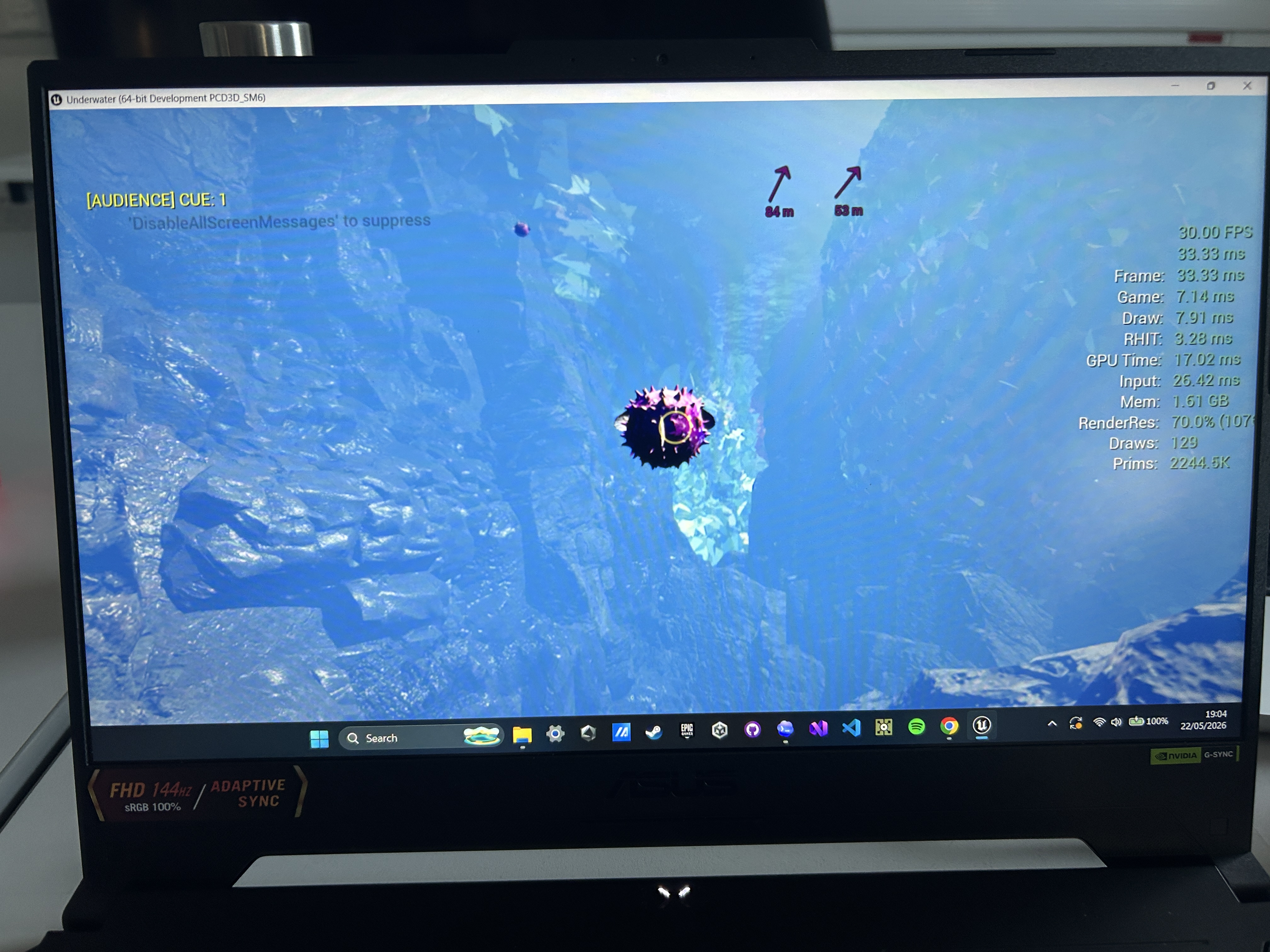
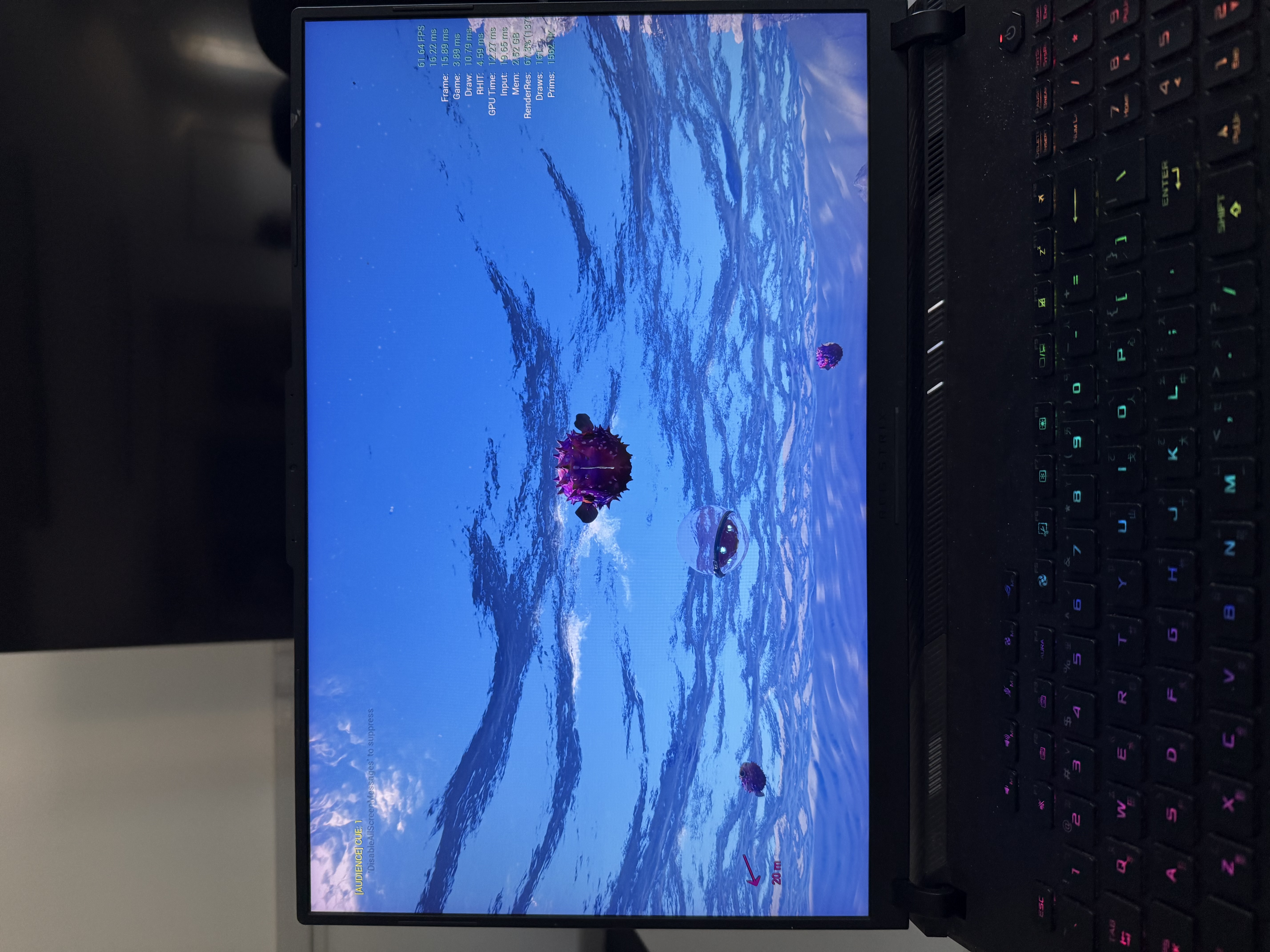
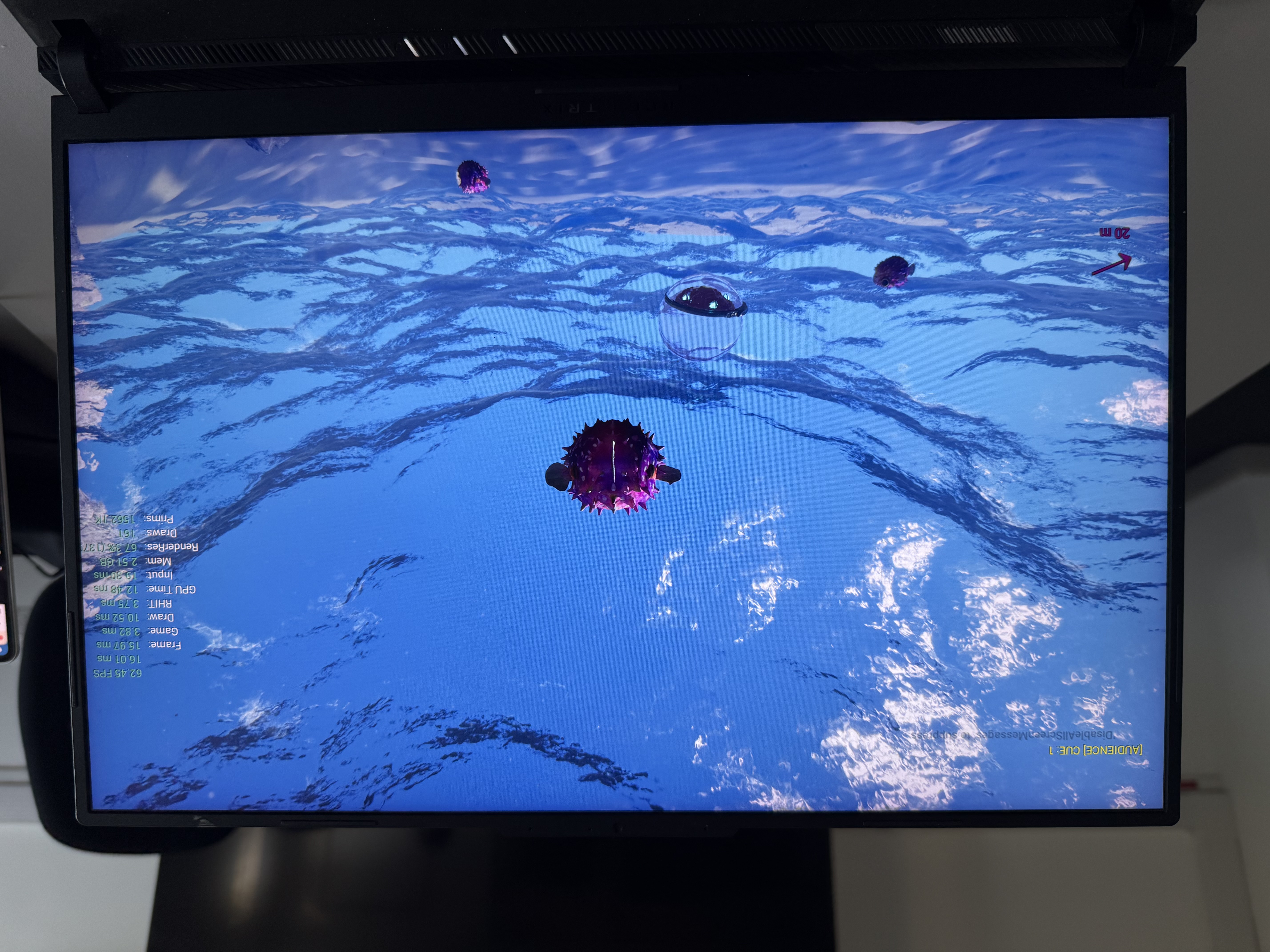
R.M. experienced a GPU crash with the full pipeline on an RTX 4050 (6 GB). Add a VRAM check with automatic quality scaling. Ship the existing performance preset flags as a "Low Spec" mode.
S.M. noted simple collision meshes allow the fish to pass under geometry. Switch to complex collisions or adjust collision bounds on coral assets.
The fish light beam needs an on/off toggle rather than repeated activation, or its intensity needs tuning.
NotoSans font and UltraWideConfig.uwcfg referenced but not included in the build. Add to packaging rules. Replace hard-coded D:/Pirates/ path.
R. attempted to join across two different laptops over two days (May 18–19) with a total of 11 sessions. The application launched and rendered correctly on both machines, but she could never complete the login flow required to join a multiplayer session.
130c28d4...)
3d604a60...)
On every session, the same pattern repeats:
LogEIKSDK: Warning: LogEOS: Error response received from backend.
  ServiceName=[OAuth], OperationName=[TokenGrantv2]
  HttpStatus=[400]
  ErrorCode=[errors.com.epicgames.account.oauth.authorization_pending]
  NumericErrorCode=[1012]
  ErrorMessage=[The authorization server request is still pending as the end
  user has yet to visit and enter the verification code.]
This error means the app attempted a browser-based OAuth flow (likely opening a system browser window for Epic Games account login), but the verification was never completed. Possible reasons:
All 11 of R.'s sessions ended with a clean shutdown (LogExit: Preparing to exit.). The Unreal Engine 5.7 renderer initialised correctly on both laptops, D3D12 selected the RTX 4050 as the primary adapter, and the window rendered at 1280x720. This confirms the build itself was stable — the blocker was entirely in the online services authentication layer.
After the main session, R.M. experienced a GPU crash 27 seconds into a follow-up session. Crash type: GPUCrash with error "GPU Crash dump Triggered". The crash occurred during a Nanite visibility buffer rendering pass (Nanite::VisBuffer → Nanite::DrawGeometry) on Frame 1189.
CrashGUID: UECC-Windows-CECEC39245621B2362C53595BBEB9674_0001
CrashType: GPUCrash
SecondsSinceStart: 27
PrimaryGPU: NVIDIA GeForce RTX 4050 Laptop GPU
Note: R.M.'s main session was run with aggressive performance flags (-windowed -ResX=1280 -ResY=720 -slnodlssg -slnoreflex t.MaxFPS 30, Lumen/Nanite/VSM disabled). The crash session may have been launched without these flags, exposing the RTX 4050 to the full rendering pipeline which it could not sustain.
LogStreaming: Warning: LoadPackage: SkipPackage: /Game/UI/Foundation/Fonts/NotoSans
The package to load does not exist on disk or in the loader
UI text elements referencing the NotoSans font will render with a fallback font. Affects all users.
LogTemp: Warning: [CompositeCamera] Failed to load ultra-wide config
'D:/Pirates/WindowsClient/Underwater/UltraWideConfig.uwcfg'
The ultra-wide camera configuration file was not included in the build package. The app references a hard-coded path from the development machine.
LogUIActionRouter: Error: Using CommonUI without a CommonGameViewportClient
derived game viewport client. CommonUI Input routing will not function correctly.
Input routing through CommonUI may not work correctly. This affects all users and could cause UI navigation issues with gamepad/keyboard.
LogRenderTargetPool: Warning: r.RenderTargetPoolMin exceeded 1389/400 MB
(ok in editor, bad on fixed memory platform)
Render target memory usage was 3.5x the configured minimum pool size. On GPUs with limited VRAM (like the RTX 4050's 6 GB), this contributed to instability.
LogStreamlineAPI: Feature dlss failed to load from cache
LogStreamlineAPI: Feature dlssg failed to load from cache
LogStreamlineAPI: error: no matching adapter found
NVIDIA DLSS/Streamline models were not pre-cached on R.'s machine. The app falls back gracefully, but these users will not benefit from DLSS upscaling or frame generation.
LogEIK: FOnlineSubsystemEOS: failed to init EOS platform, couldn't get
anti cheat client handle. (Expected if not using Easy Anti Cheat)
LogOnline: Warning: EOS: Login(0) failed with EOS result code (EOS_InvalidAuth)
These are expected for first-time launches without cached credentials. All joining testers eventually authenticated successfully after the browser-based flow.
| Engine | Unreal Engine 5.7.0 (UE5-CL-0) |
| Configuration | Development |
| Platform | WindowsClient (x64) |
| RHI | DirectX 12 (SM6, Feature Level 12_2) |
| Multiplayer | Epic Online Services (EOS) + EIK |
| Upscaling | NVIDIA DLSS / Streamline 8.3.0 (SL 2.9.0) |
| Rendering | Lumen, Nanite, Virtual Shadow Maps, Volumetric Fog, Niagara |
| Component | Minimum Observed | Recommended for Pre-Alpha |
|---|---|---|
| OS | Windows 11 25H2 (10.0.26200) | Windows 10/11 22H2+ |
| CPU | Intel i5-13420H | Intel i7-10700 / AMD Ryzen 5 3600 |
| GPU | RTX 4050 Laptop (6 GB VRAM) | RTX 3060 / RX 6600 (8 GB VRAM) |
| RAM | 16 GB | 16 GB |